Gadgets
Pocket Projectors in 2026: Big-Screen Movies From Your Palm
Native 1080p vs 'supported' 1080p, brightness, auto-focus and how to set up a pocket projector for movie nights anywhere.
· 6 min read
Key takeaways
- 'Native 1080p' is real resolution — '1080p supported' is not.
- Auto-focus and auto-keystone make setup instant.
- Dark rooms matter more than brightness specs.
- Built-in batteries make outdoor movie nights easy.
Native vs supported resolution
Many cheap projectors accept a 1080p signal but display it at a much lower native resolution. Always look for 'native 1080p' in the specs for a sharp image.
Setup tips
Auto-focus and auto-keystone correct the image when the projector isn't perfectly square to the wall. A plain white wall works; a matte screen is better.
- Darken the room
- Keep it 1.5–3m from the wall
- Use Bluetooth headphones for late-night viewing
Pair it with great audio
Small projectors have small speakers. Wireless headphones with low-latency codecs make movie nights immersive without waking the house.
Frequently asked questions
Products mentioned in this article
Keep reading
Electronics
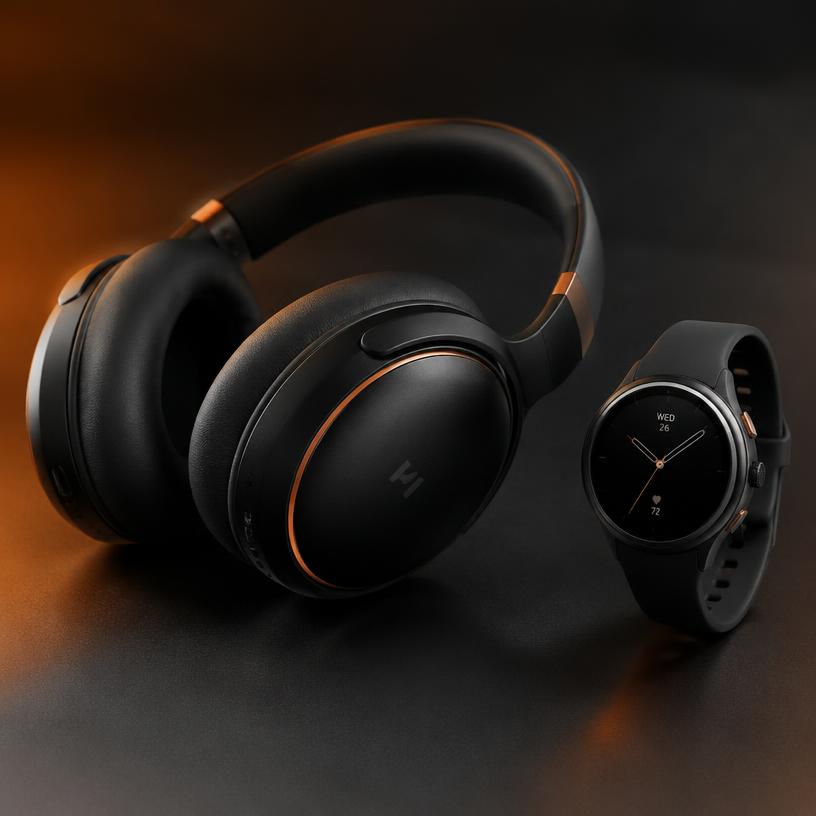
Noise-Cancelling Headphones Buying Guide: What Actually Matters
Hybrid ANC, codecs, battery life and multipoint explained — how to pick wireless noise-cancelling headphones without overpaying.
7 min read
Components
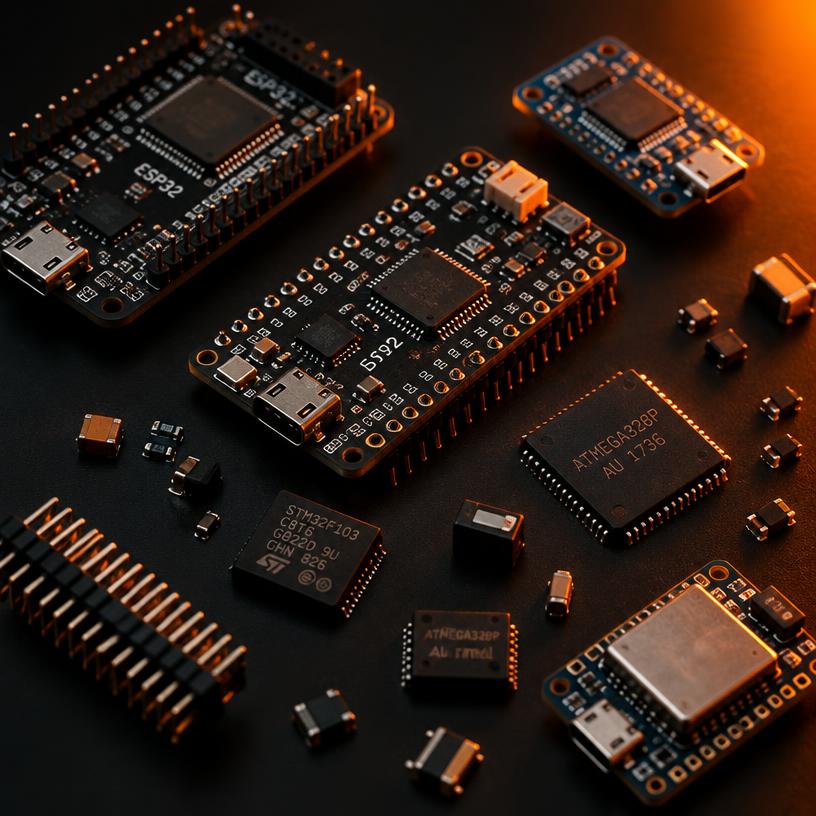
ESP32-S3 vs STM32: Which Microcontroller Should You Use?
A practical comparison of ESP32-S3 and STM32F411 boards for IoT, robotics and maker projects — connectivity, power, tooling and price.
9 min read
Carbon Fiber & Materials
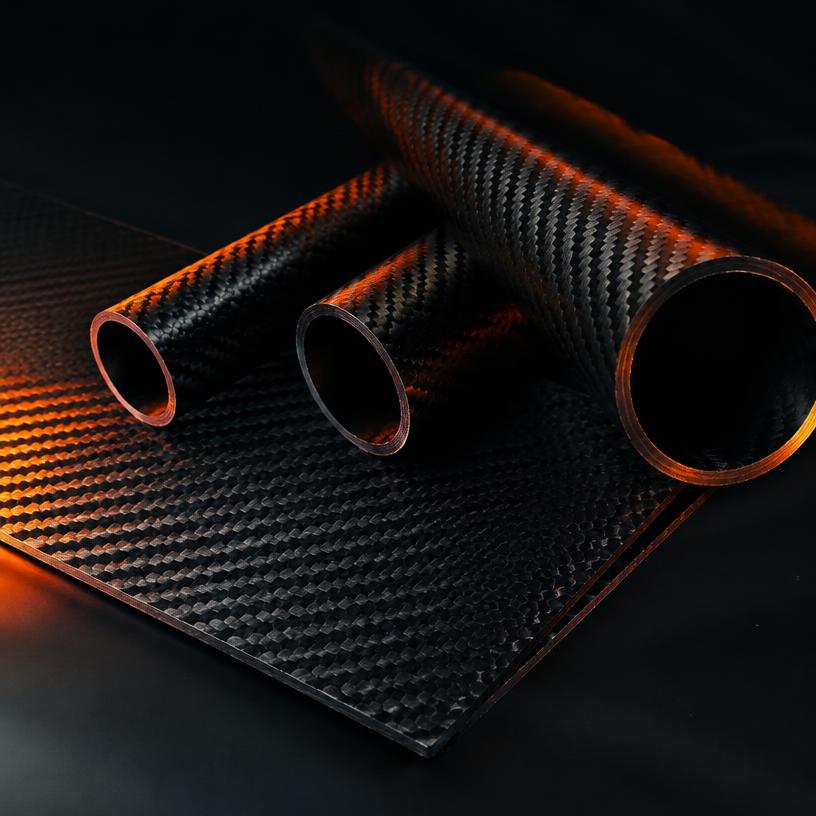
Carbon Fiber Sheets Explained: 3K Twill, Thickness and CNC Tips
What 3K twill means, how to choose carbon fiber sheet thickness, and how to cut and drill carbon fiber safely for drones, RC and builds.
8 min read